


Active App Tips for Creating a Great Route

Active App Tips for Creating a Great Route
Walk vs Route
‘Walk’ – An activity you have completed, information here can be personalised to you, this will be visible on your page and highlighted to people you are friends with
“My daughter loved the ducks, and she even managed to walk the whole way around which surprised us”
‘Route’ – A walk that you have completed that you want to share with the community. This goes into the big route database
“Perfect for duck spotting, and short enough for little legs to manage”
Not every route will be a walk, but every route starts as a walk
How to record a walk
- Select record walk
- Click start walk (it will then move to your location) and stop when you are finished
- Once finished, fill in the information about the ‘walk’ relevant to you (photos etc)
- Click save
How to save a route
- Upon saving a walk you will be prompted to convert it into a route if you feel it is suitable
- Scroll through the form filling in the criteria
- Upload generic location photos (rather than personal family photos)
How to create a great route
- If you don’t recommend the walk, then don’t save it as a route
- Keep the text friendly but professional, it will be viewed by strangers to judge if the location is suitable for their family
- Do not disclose personal information
- Share in the description anything you feel a parent might want to know
- Facilities ‘Toilets, parking, play area etc’
- Things to do ‘Picnic bench halfway around the lake’
- Anything else you feel might be of interest ‘Car park only takes cash’ or ‘bring duck food’
Photos
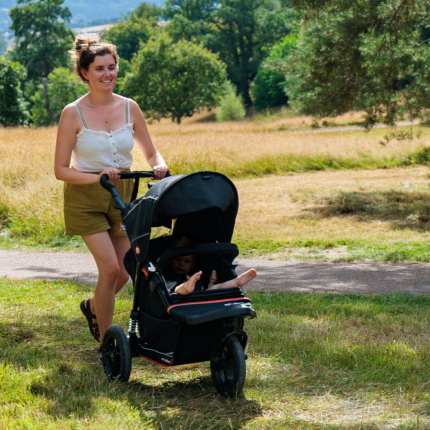
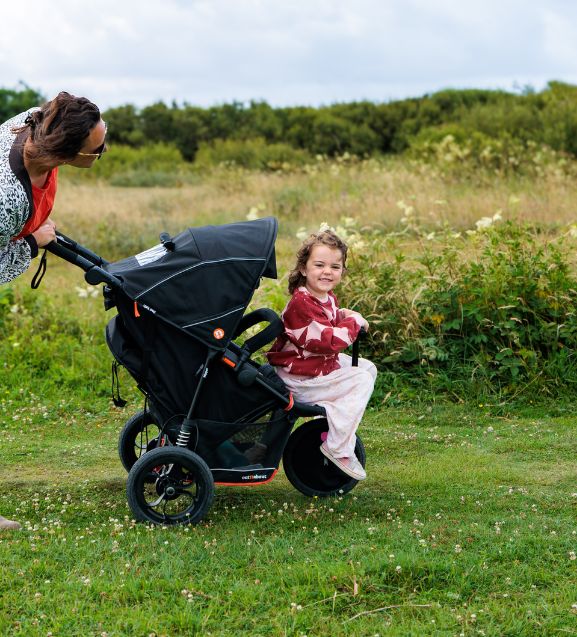
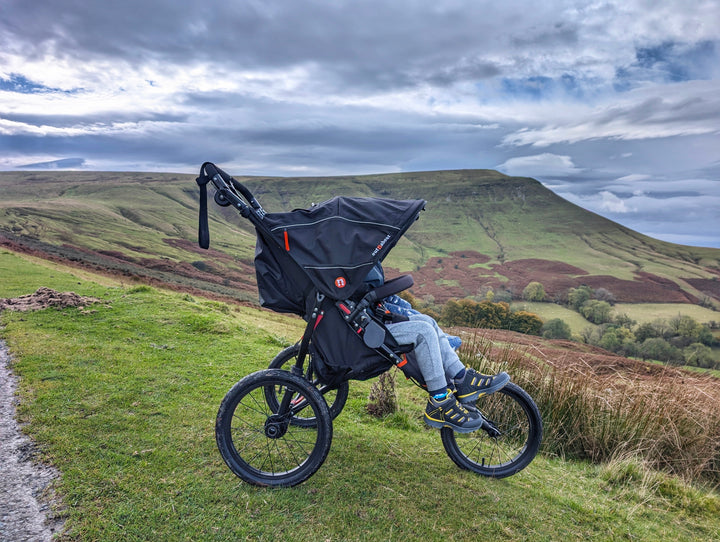
- Should showcase the key features of the location
- Include Out’n’About products looking their best where possible
- The first photo becomes the walks cover photo so choose something that reflects the location and ideally has an Out’n’About product in it
- Don’t feature other people in your photos without permission (although welcome to use your own family if you wish)
- You can upload up to ten photos, but you don’t have to
- Showcase a mix of scenery and facilities
- Photos should be appropriate and avoid photos of yourself and children doing unsafe things (such as swimming where prohibited or children climbing on things that shouldn’t be climbed on)
If you have any issues using the app, please message:

